SoftwareNDT Calculator
Calculator for exposure time during radiographic testing
Supported Isotopes: Selenium-75, Iridium-192, Cobalt-60
Selenium-75 (Se75)
Software area for Selenium 75: Thickness: 2 to 42 mm
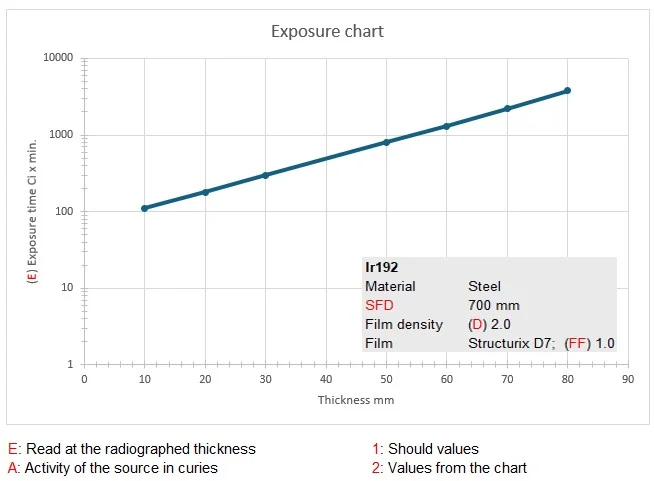
Iridium-192 (Ir192)
Software area for Iridium-192: Thickness: 2 to 150 mm
Cobalt-60 (Co60)
Software area for Cobalt-60: Thickness: 15 to 200 mm
Simply enter the required parameters and the program will calculate the optimal exposure time for your radiographic testing.
SoftwareNDT Backup
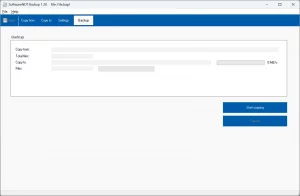
Setting up the data copy is incredibly easy.
A program for daily automatic data backups. Quick to set up and easy to use. Software for copying files and folders to other directories or drives. This is an important step in protecting your data from loss or damage.
Select the files and folders you want to back up
Select the destinations for the backup (e.g., different folders, other drives, and much more)
Configure the backup schedule (e.g. daily)
Start the data backup manually or activate the automatic data backup
Creating a backup involves a series of steps that can vary depending on the method chosen.